Flash detection
A rolling brightness baseline helps identify sudden visual flashes that may be lightning.

Automatic lightning capture
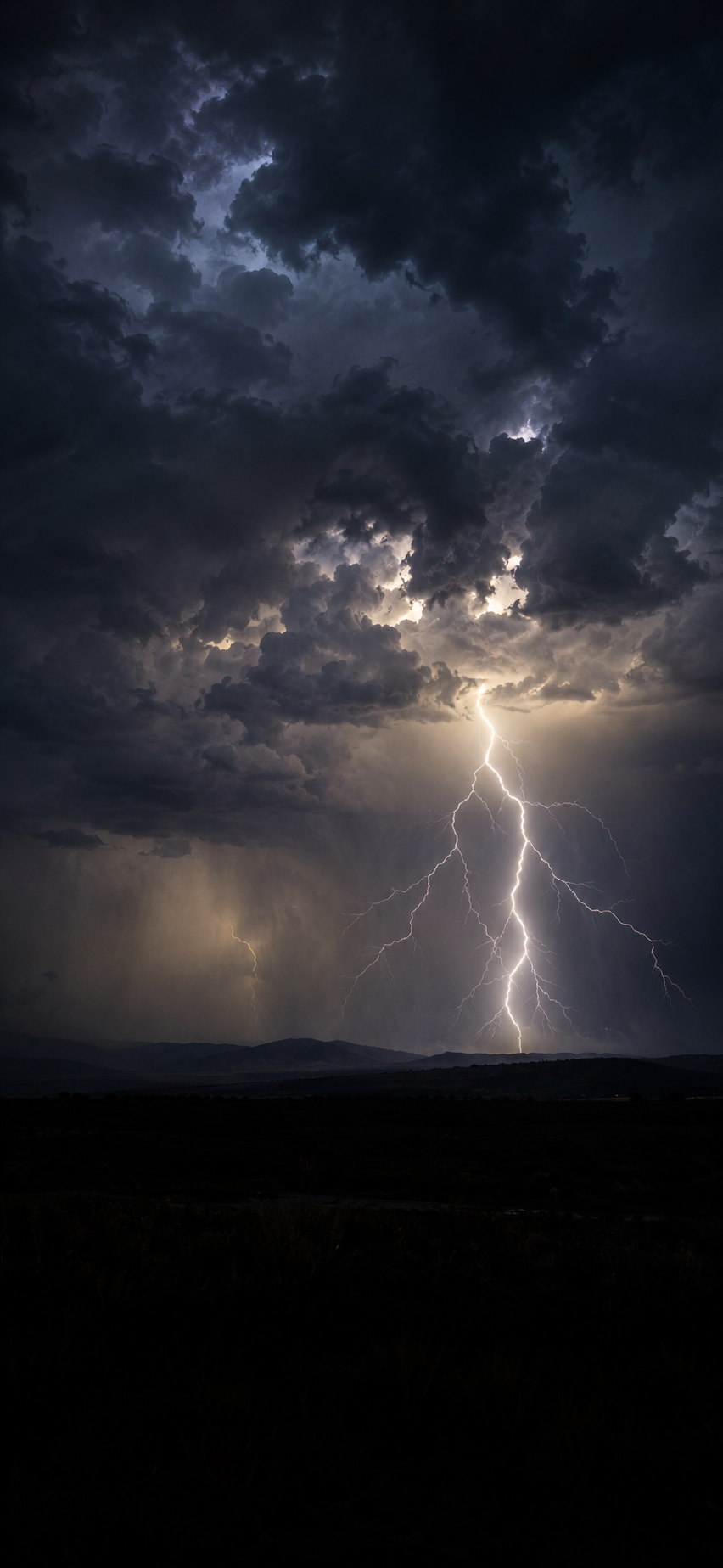
StormSnap watches the live camera preview for sudden flashes, identifies likely lightning directly on your iPhone, and gives you a replay of candidate frames so you can save the strongest shot.
Purpose-built
StormSnap focuses on the difficult part of storm photography: being ready during the fraction of a second when the sky lights up.
A rolling brightness baseline helps identify sudden visual flashes that may be lightning.
Review candidate frames after a detected flash and choose the image that best captures the strike.
Tap the storm area to guide focus and keep the camera aimed where lightning is most likely to appear.
A dark, high-contrast interface keeps controls readable without overpowering the live preview.
Save selected captures directly to Apple Photos after granting the required permission.
A battery-conscious option can reduce processing demands during longer capture sessions.
How it works
Set your iPhone on a stable support, point it toward the active part of the storm, choose a sensitivity level, and let StormSnap monitor the scene.
Privacy by design
The StormSnap app performs camera analysis locally. It does not require an account, upload the live camera feed, or use advertising SDKs. This product webpage uses Google Analytics to understand aggregate website traffic.
Brightness and flash detection happen on the iPhone rather than on a remote server.
Photos are written to Apple Photos only after permission is granted and a capture is selected or automatic saving is enabled.
Location metadata is optional and remains controlled through the app and iOS permission settings.
FAQ
No. StormSnap detects visible flashes in the camera feed. It is not a weather forecasting, lightning warning, or emergency alert service.
No. Camera analysis is performed locally on the iPhone.
Selected captures are saved to the Apple Photos library after you grant Photos access.
No. StormSnap is designed without advertising.
No. StormSnap does not use a recurring subscription model.
Legal
Important information about using StormSnap.
StormSnap processes lightning detection locally on your device. Camera images are not uploaded. Photos are saved only with your permission. Location metadata is optional. The app does not require an account and does not include advertising SDKs or third-party tracking inside the app. This website uses Google Analytics for aggregate website traffic.
StormSnap is a photography tool only and does not provide weather forecasts, lightning warnings, or emergency services. Use the app only from a safe location and never rely on it for personal safety. The software is provided 'as is' without warranties to the extent permitted by law. Apple handles purchases and billing.
Support
Get in touch for StormSnap support, privacy questions, feature suggestions, or accessibility feedback.